Collect the real opportunity set first: eligibility, deadlines, judging criteria, required artifacts, costs, and source links. The student learns to make AI work from evidence instead of guesses.
AI fluency for ambitious students
Unlock your AI skills.
Counselor Jay's AI Workshop teaches students how to turn AI from a chat window into a project system: research workflows and shipped websites, with GitHub evidence students can defend under pressure.
Portfolio proof
Research systems
Startup fluency
Curriculum roadmap
Four levels, each with a visible student outcome.
The workshop starts with a working AI setup and moves toward portfolio-grade research and builds. Students learn the vocabulary as they use it, then revisit the system as their projects become more serious.
Level 1
AI Workspace Setup
Install Codex or Claude Code, create the project folder, add the starter harness, then run the first verified session.
Leaves withA repeatable workspace with memory, rules, and a clean way to resume.
Level 2Research and Build Sequencing
Break a serious project into phases: start with a database, study winners, then connect student fit to the build roadmap.
Leaves withA project plan that can become a repo, website, dashboard, or competition submission.
Level 3Frontier Plus Local Compute
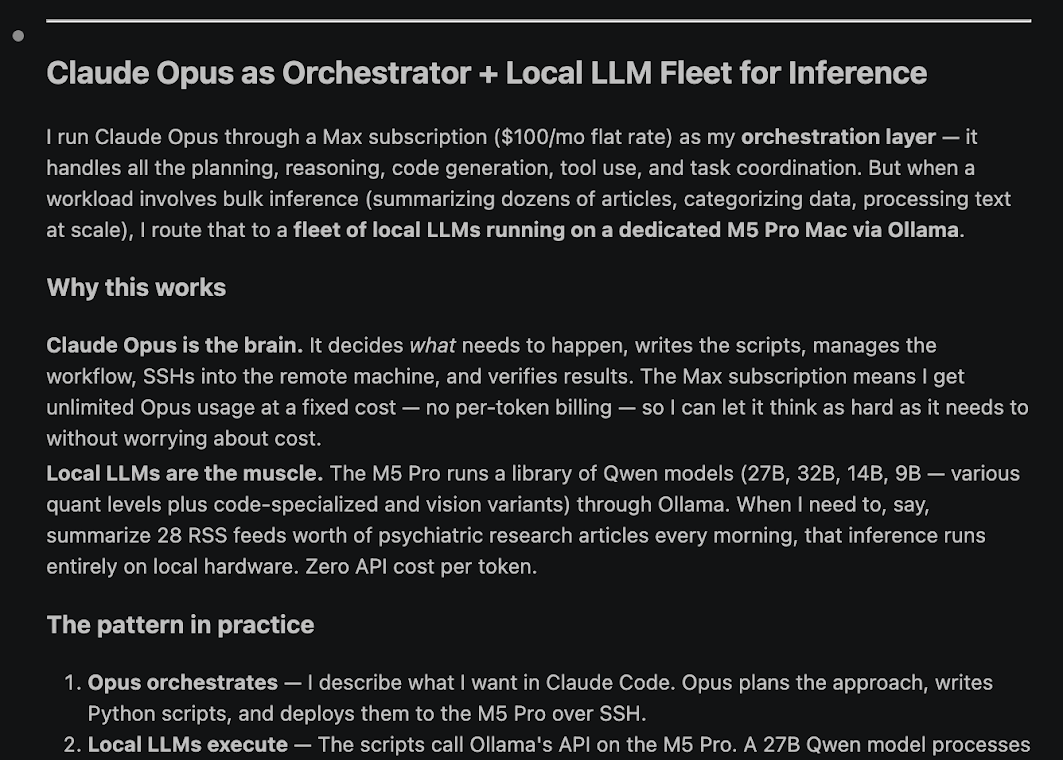
Use top models for judgment while routing bulk work to local LLMs or Counselor Jay's lab machines.
Leaves withA cost-aware workflow that can handle larger research and build jobs.
Level 4Personal AI Lab
Explore local agents and personal knowledge bases, then connect them to browser-aware workflows and durable memory.
Leaves withA more durable AI operating environment for school, research, and projects.
Level 1 foundation
The harness unlocks what your AI can actually do.
Jay's starter harness, Alfred, gives Codex standing instructions for planning and verification. It also keeps memory and academic integrity visible. Students learn to revise the harness as their work changes.
AGENTS.mdCodex instructions with role design and boundaries, plus verification standards.
SESSION.mdCurrent state, open loops, and the next move.
MEMORY.mdLessons from mistakes, repeated friction, and workflow upgrades.
Level 2 method
Learn the secret of sequencing.
Students learn to isolate each phase of a project so the model has less room to bluff. A STEM competition plan starts with the competition database, then winner analysis, then the student's own skills and constraints, then the roadmap.
Analyze recent winners to see what actually gets rewarded: project depth, methods, mentor involvement, datasets, presentation style, and uncertainty in the available record.
Use the student's skills, timeline, interests, school constraints, and available tools to choose project lanes that are ambitious but still realistic to execute.
Turn the plan into visible evidence: a repo, website, dataset, demo, literature map, or written roadmap with verification notes the student can explain.
Portfolio proof
Build for national competitions and university-level research.
The workshop pushes students toward visible outputs because visible work forces better thinking. A project becomes stronger when the student can show the source trail and build history, plus the decisions that changed the result.
Academic integrity
Use AI ethically and stay ahead.
Every guide keeps the same line: the student must understand the sources, explain the code, and own the final judgment.
Allowed
Planning and tutoring, source organization and code review, dataset cleanup and project management.
Risky
Heavy rewriting or undisclosed help, unverified summaries and bad citations, plus code the student cannot explain.
Not okay
Submitting AI work as original student work, fabricating sources or results, bypassing school policies, or using AI where the assignment forbids it.
For parents
Start with a subscription before buying hardware.
The practical path is simple: start with a $20/month subscription, watch whether the student uses it seriously, then upgrade only when the work justifies more compute.
Free
Enough to see the promise, but limits arrive quickly once a student starts building seriously.
$20/month
The best starting point for most families: enough room to learn the workflow without overcommitting.
$100/month
Useful when the student is building regularly and the subscription is clearly saving time.
$200/month and hardware
Advanced territory. High-RAM Macs or lab access make sense after the student's work justifies scale.
Advanced path
Frontier models orchestrate. Local compute handles bulk work.
Once students can run a disciplined project, they can learn how subscriptions and local LLMs fit with Counselor Jay's lab machines. At that point, AI fluency starts to resemble a builder's workflow.
Frontier subscriptionsPlanning, reasoning, code generation, tool use, verification.
Local LLMsBulk summarization and extraction, plus classification and high-volume drafts.
lab.counselorjay.comDedicated AI MacBooks for students who are ready for serious workloads.
Guide library
Read the guides in workshop order.
Level 1
One-Shot Prompting vs. Agentic Harnesses
Why serious AI work needs files and roles, plus memory and verification.
Level 1Install The Starter Harness
The private workshop gives students Jay's starter AGENTS.md named Alfred and the first project setup flow.
Designing Your AI Harness
How to adapt the starter file, borrow good ideas, manage token cost, then prune the harness over time.
Level 2The Counselor Jay Sequencing Method
How to turn a vague ambition into a buildable project with evidence, milestones, and proof.
Level 3Why Local LLMs Matter
The existing local LLM posts become the advanced track for orchestration, cost control, and private high-volume inference.